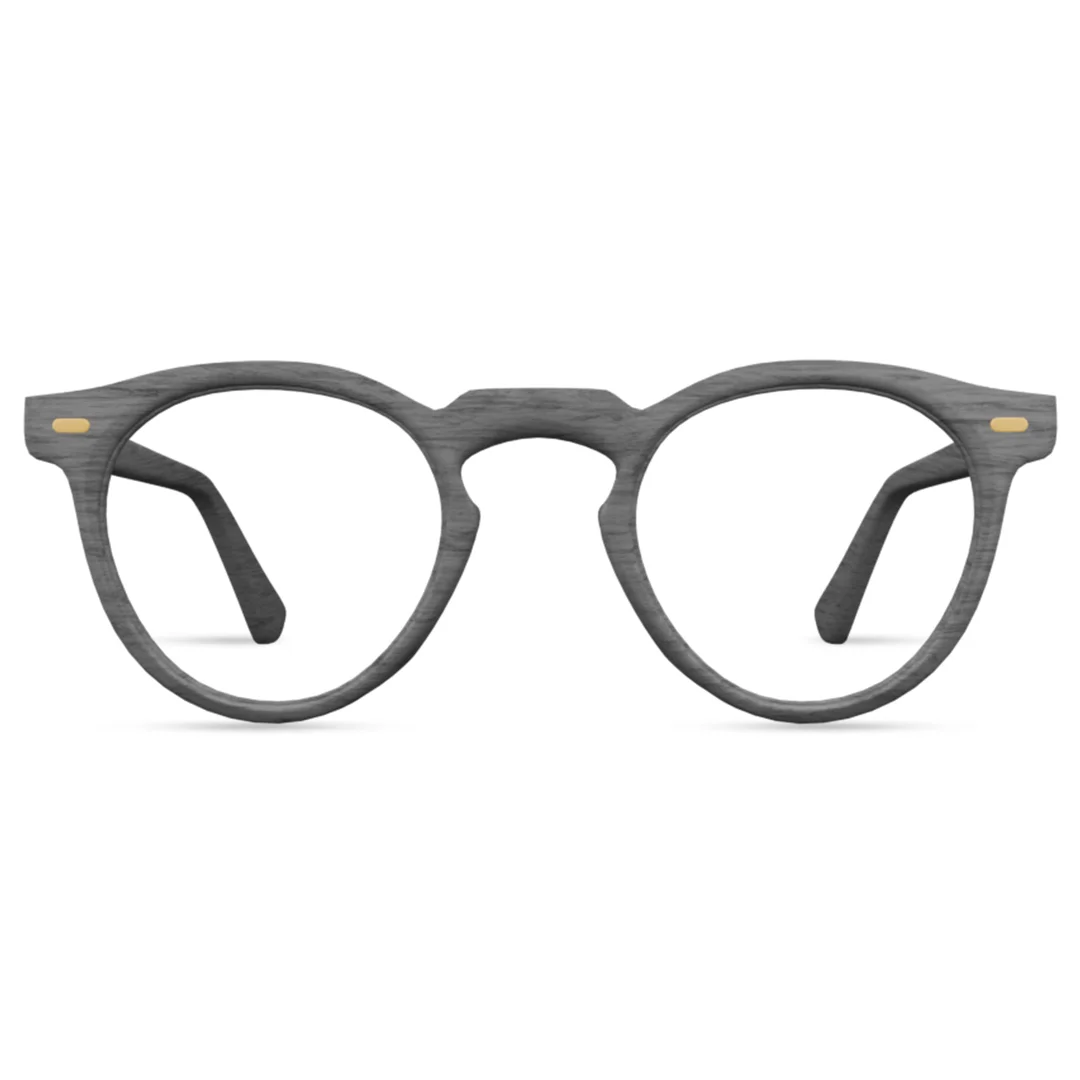
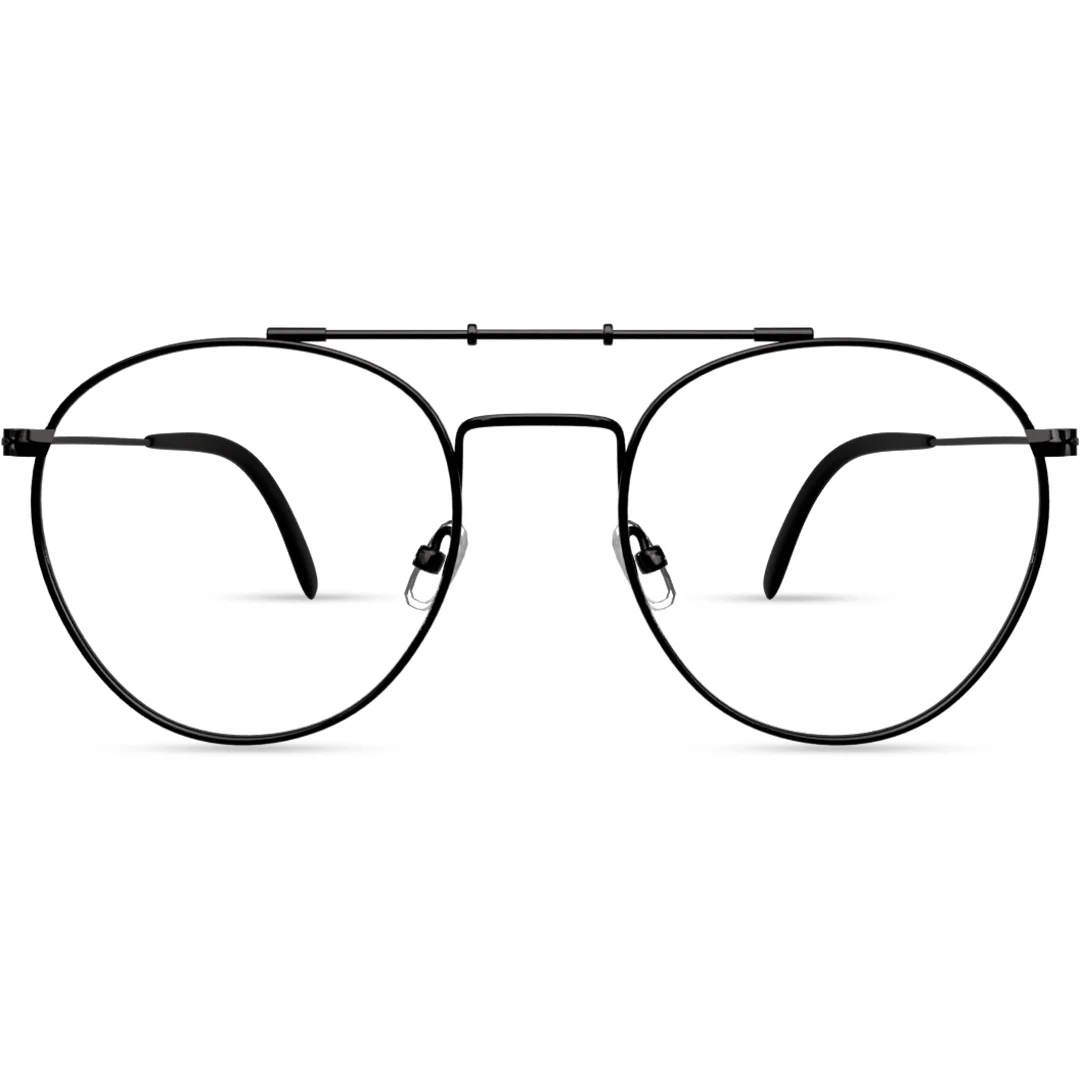
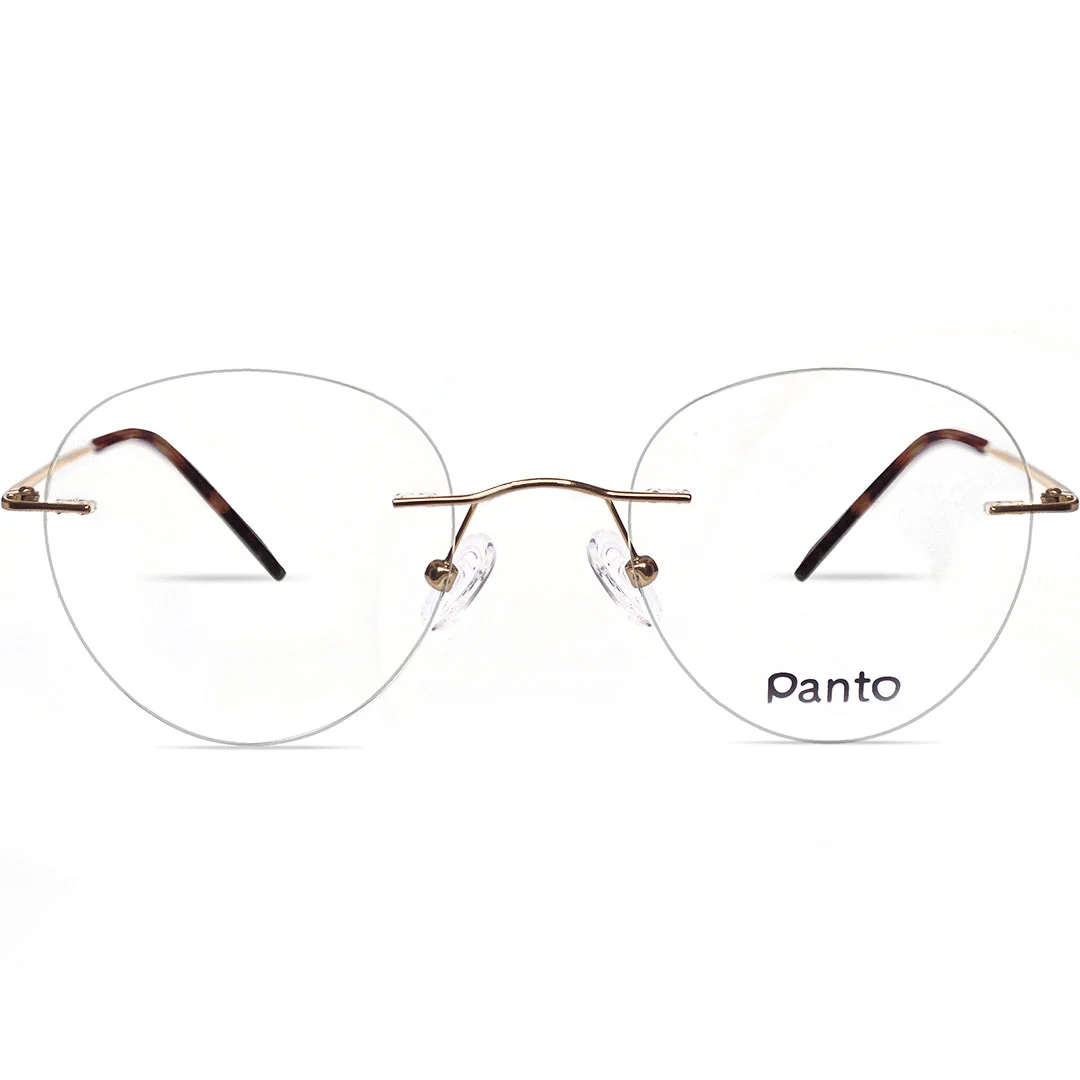
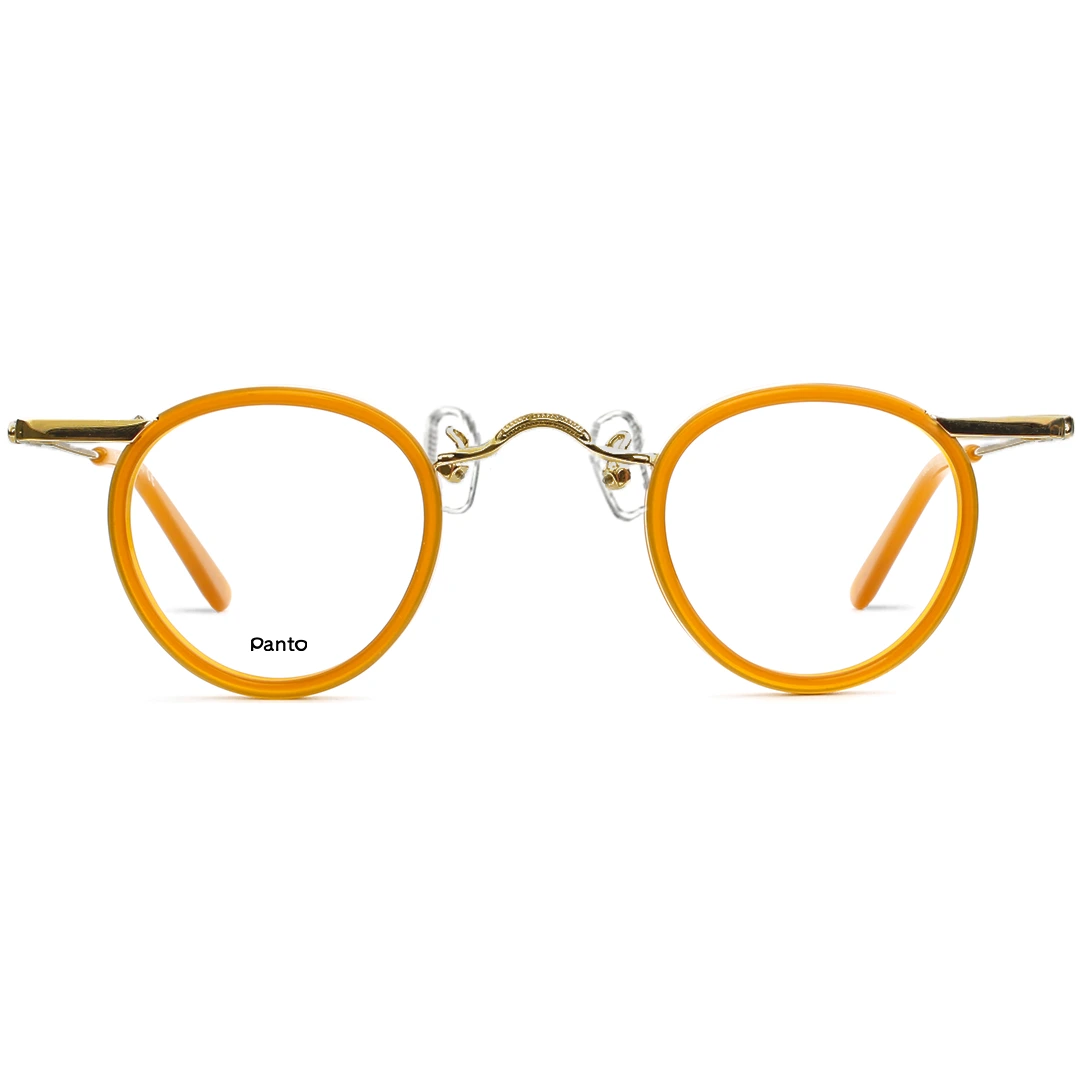
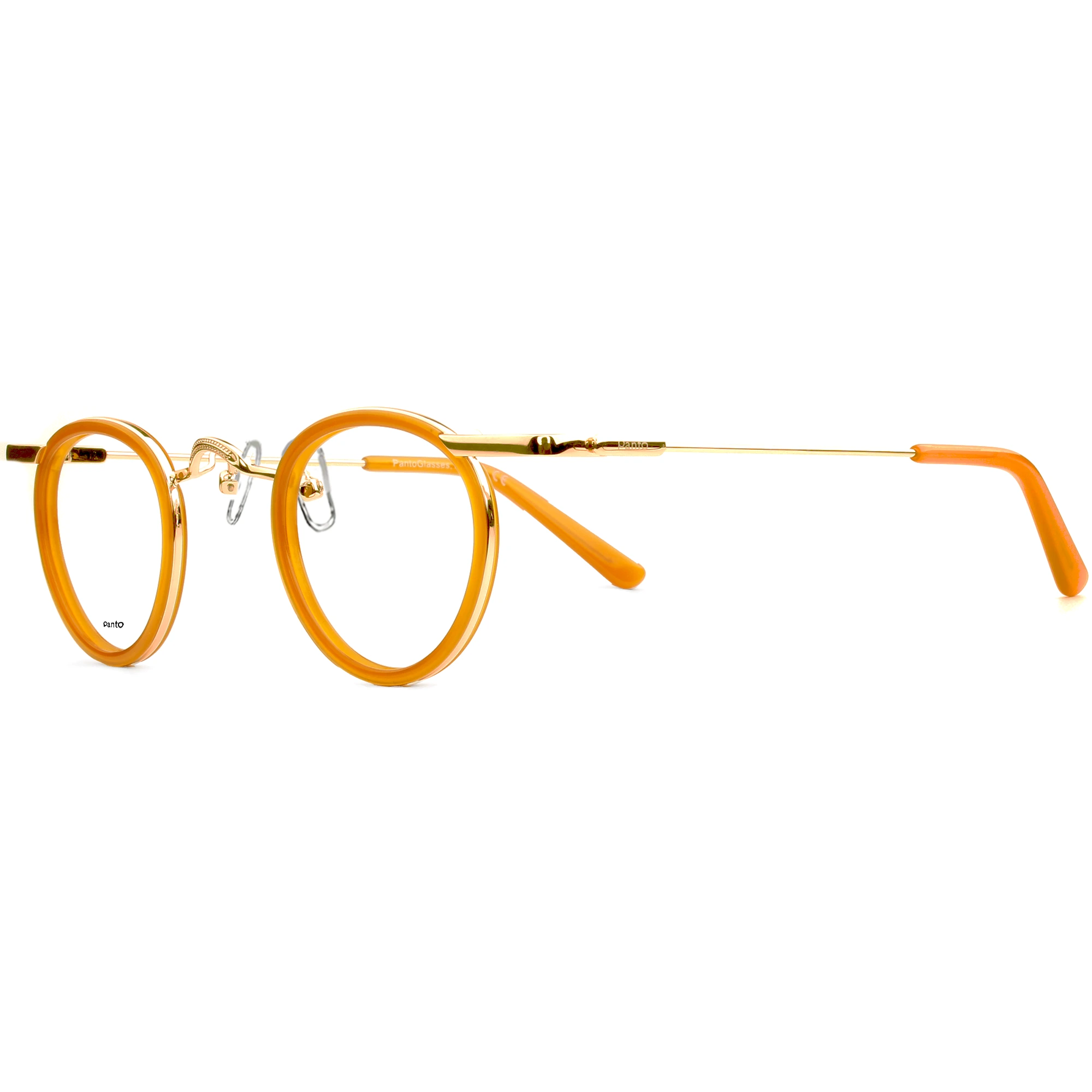
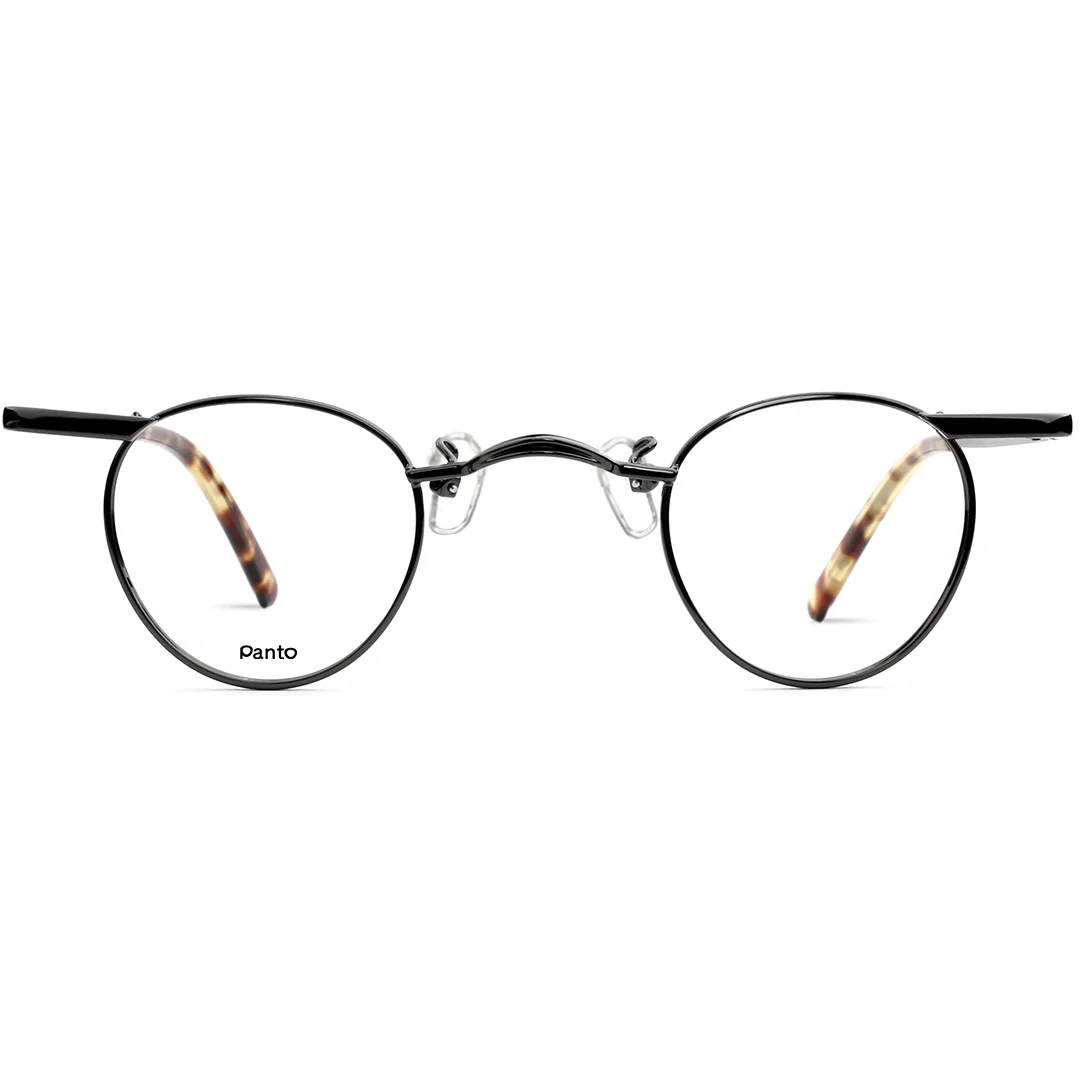
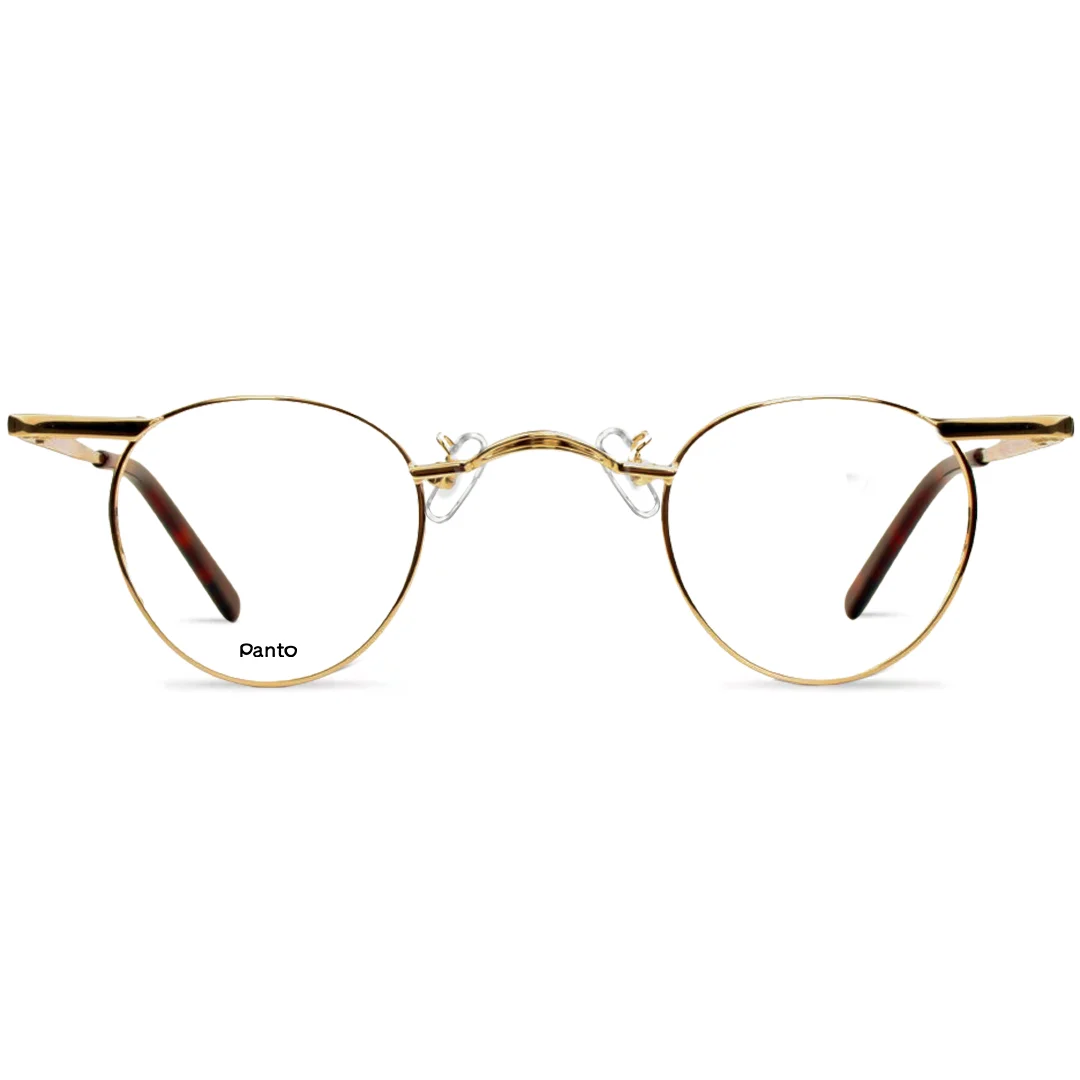
PantoB2B is dedicated to optical industry professionals. Other users are invited to visit PantoGlasses.com, our branding page connected to social media, where you can explore, try and buy PantoGlasses—if not yet available from your location.

PantoB2B is dedicated to optical industry professionals. Other users are invited to visit PantoGlasses.com, our branding page connected to social media, where you can explore, try and buy PantoGlasses—if not yet available from your location.

Avatar Clip

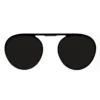
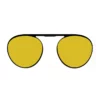
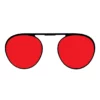
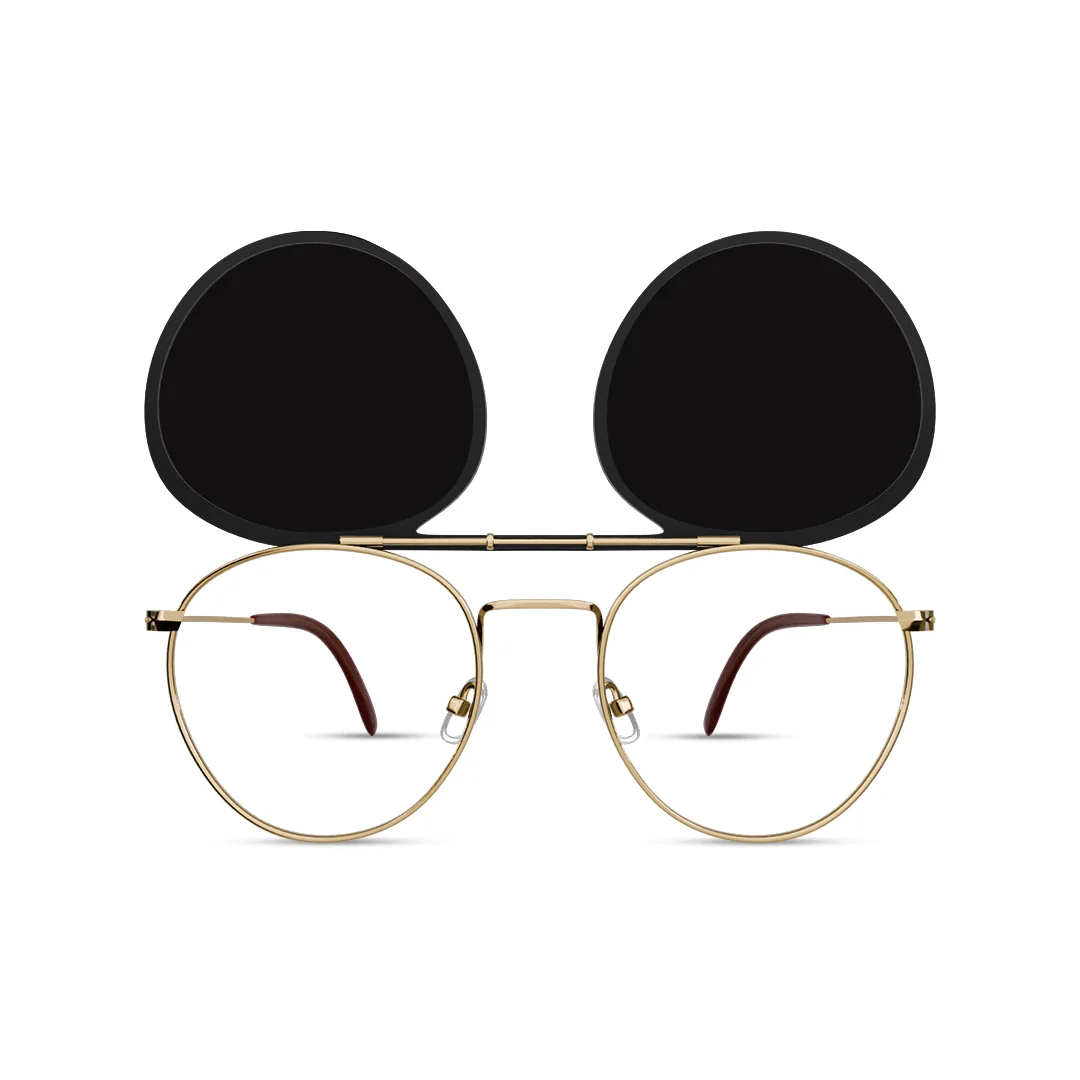
TR90 clip with Polarized TAC Grey 80% lenses included free. Lightweight, flexible and easy to attach, the clip transforms your Avatar glasses into polarized sunglasses for improved glare reduction and comfortable outdoor vision.

Additional Data

Additional information

Bridge

Metal

Material

TR90

Nosepad

–

Temples

Standard 145mm

Optical single vision lenses including HMC antireflex and anti-scratch coating included.

Looking for the flip-up version?

Avatar is also available with a black flip-up clip and 80% dark grey polarized TAC lenses.

Already own Avatar?

Order Flip-up Clip.

Want more clip lenses options for driving, reading, contrast, or optical power?

Need the complete frame and clip package?

Need Avatar frame?

Want Complete Glasses Instead?

This frame can also be customized with prescription, blue-light, or sunglass lenses.

Choose Lens clip

Note: Fields marked with symbol (*) are required.

  • Lens Option *

  • Popular Clip Options *

  • Lens Type *

  • Optical Power *

  • Lens Material *

  • Tinting (Optional) *

  • Tinted Colors *

  • Tinted Percentage *

  • Mirror Colors *

  • Mirror Percentage *

  • Polarized Colors *

  • Upgrade Index *

  • Coating *

Product total

Options total

Grand total

You Might Also Like

View all

×

Add Prescription Details

You can add prescription details now. Create an account during checkout to save your prescription for future use.

Enter New Prescription

Supported: JPG/PNG • Max 5 MB

Note: The “SeenorOpto OCR AI Prescription Reader” makes this very easy for you.
  • Take a photo of your prescription and it is done!
  • Or upload a clear, full photo of your prescription—flat surface, good lighting, no cropped edges.
  • Make sure all values (OD/OS, Axis, PD, etc.) are visible for accurate reading.
  • You can of course edit the details of the prescription that is automatically entered.
Right Eye (OD)
Left Eye (OS)
Do you need Prism Correction?
Pupillary Distance (PD)

Don't know your PD?

Measure My PD Takes about 30 seconds using your phone camera.

Or enter it manually: